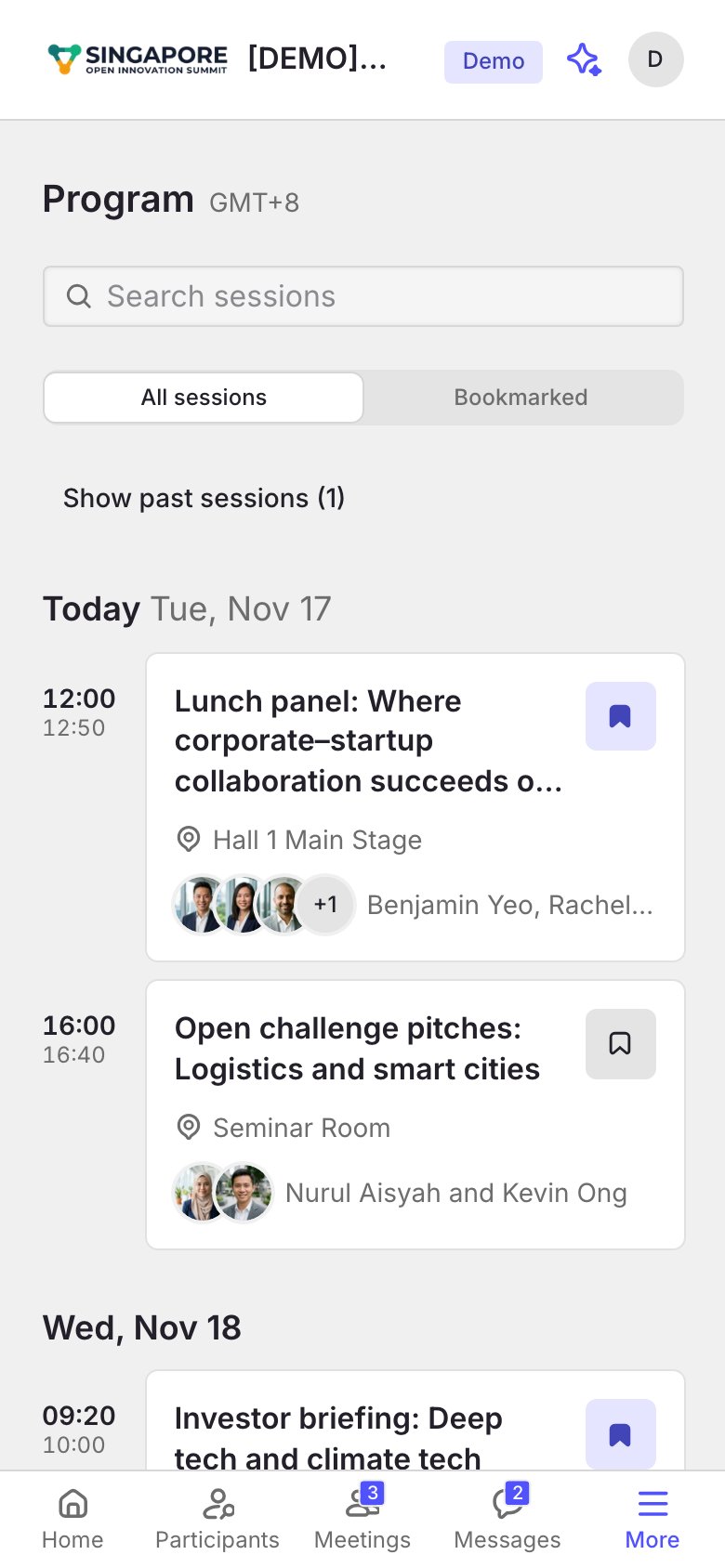
Program lists this event’s sessions by day, in the event’s time zone. Once the host has added a session, it appears as the last item in the sidebar on wide screens and as a tab on phones. On phones in events with meetings (Meet & AI), it’s under More.
The Program page, with sessions listed by day below the session search and the All sessions and Bookmarked views

Program on a phone

What the page shows

Session details

Select a session to open its detail sheet, where Bookmark at the bottom adds or removes the bookmark. For a speaker who is a participant you can see in Participants, View profile opens their profile. The same sheet opens when you select a session in My schedule or on the event home.
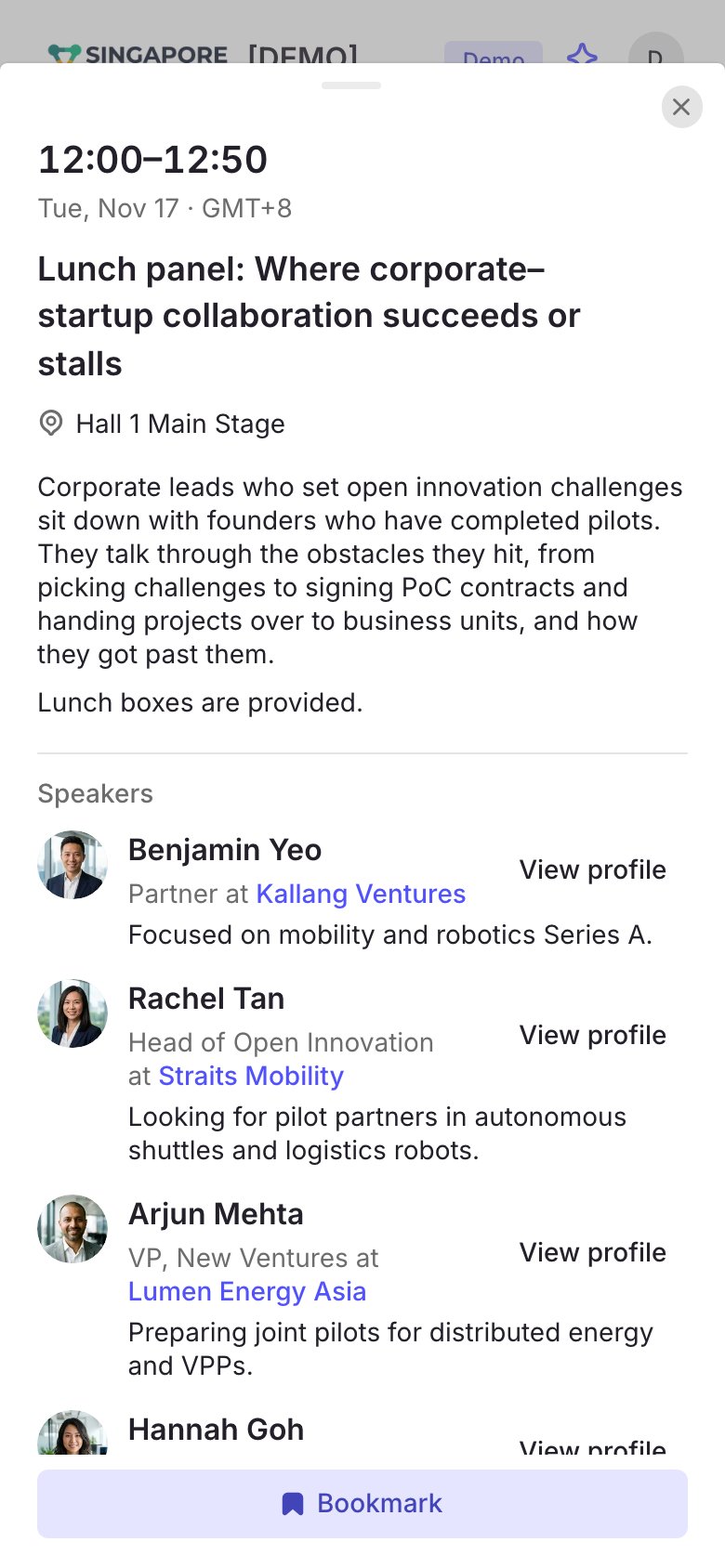
A session's detail sheet, with the time, location, description, and speakers, and the Bookmark button at the bottom

A session's detail sheet

Sessions on other pages
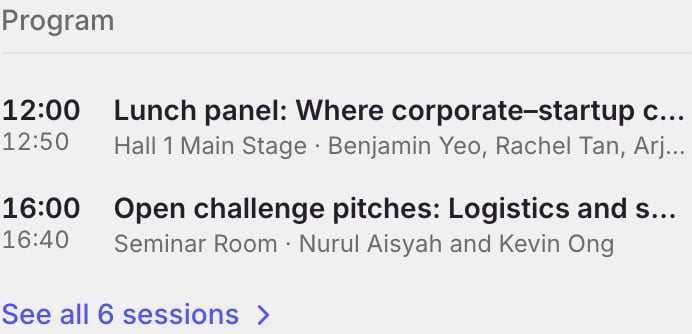
The Program section on the event home, with two sessions that haven't ended and a link to see all sessions

The Program section on the event home

In events without meetings (Chat), find your bookmarked sessions under Bookmarked on this page.