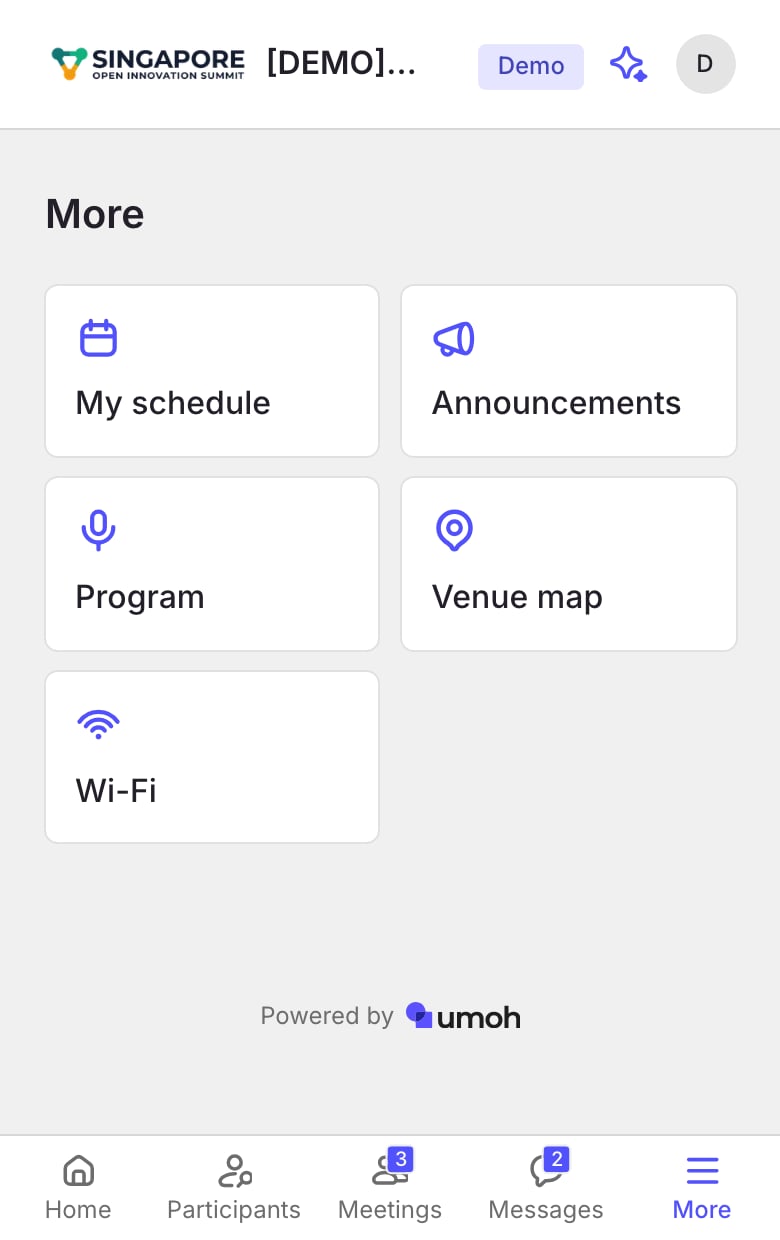
When the host turns practical information such as a venue map, Wi-Fi details, or directions into pages, those pages appear in the event page menu. The host sets each page’s name and icon.
The More tab. Alongside My schedule, Announcements, and Program are the host's venue map and Wi-Fi pages

The More tab on a phone

Where pages appear
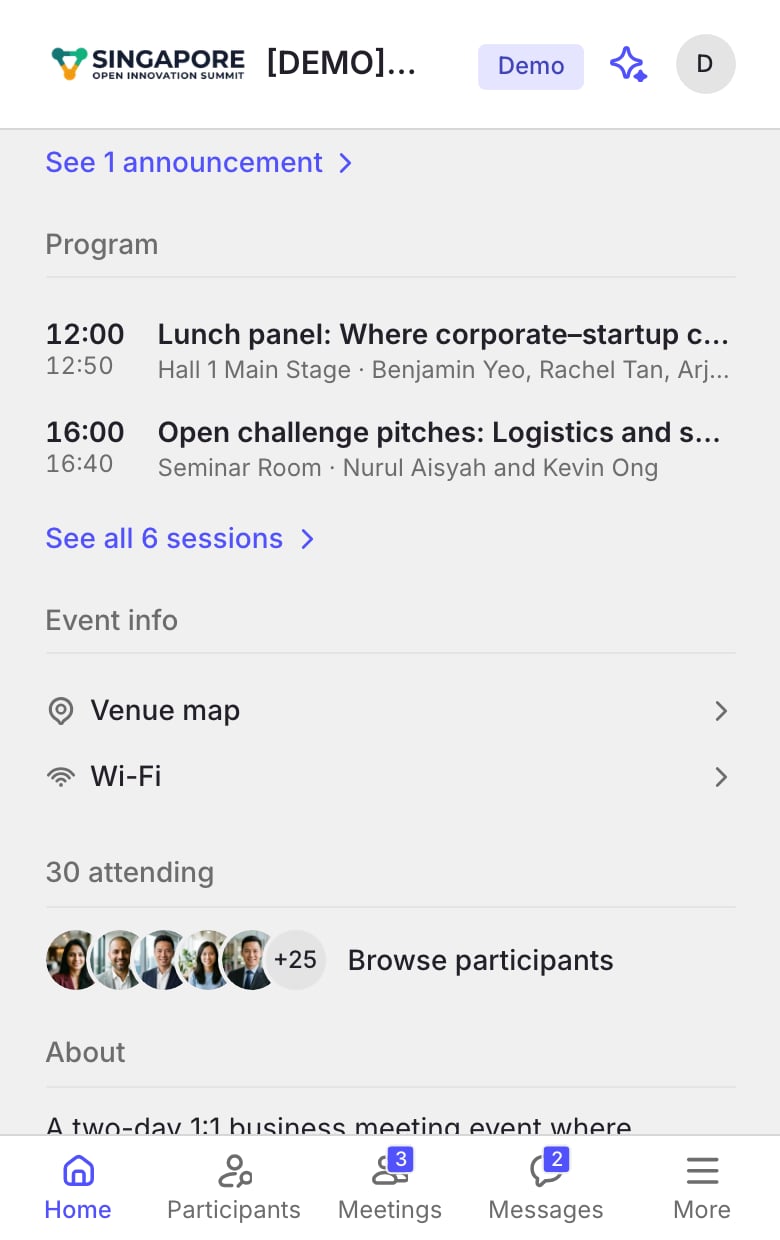
The Event info section on the event home, with a row for each page the host made

Event info on the event home

Viewing a page

A page is made of the images the host added. Selecting an image that has a link opens the link in a new tab.
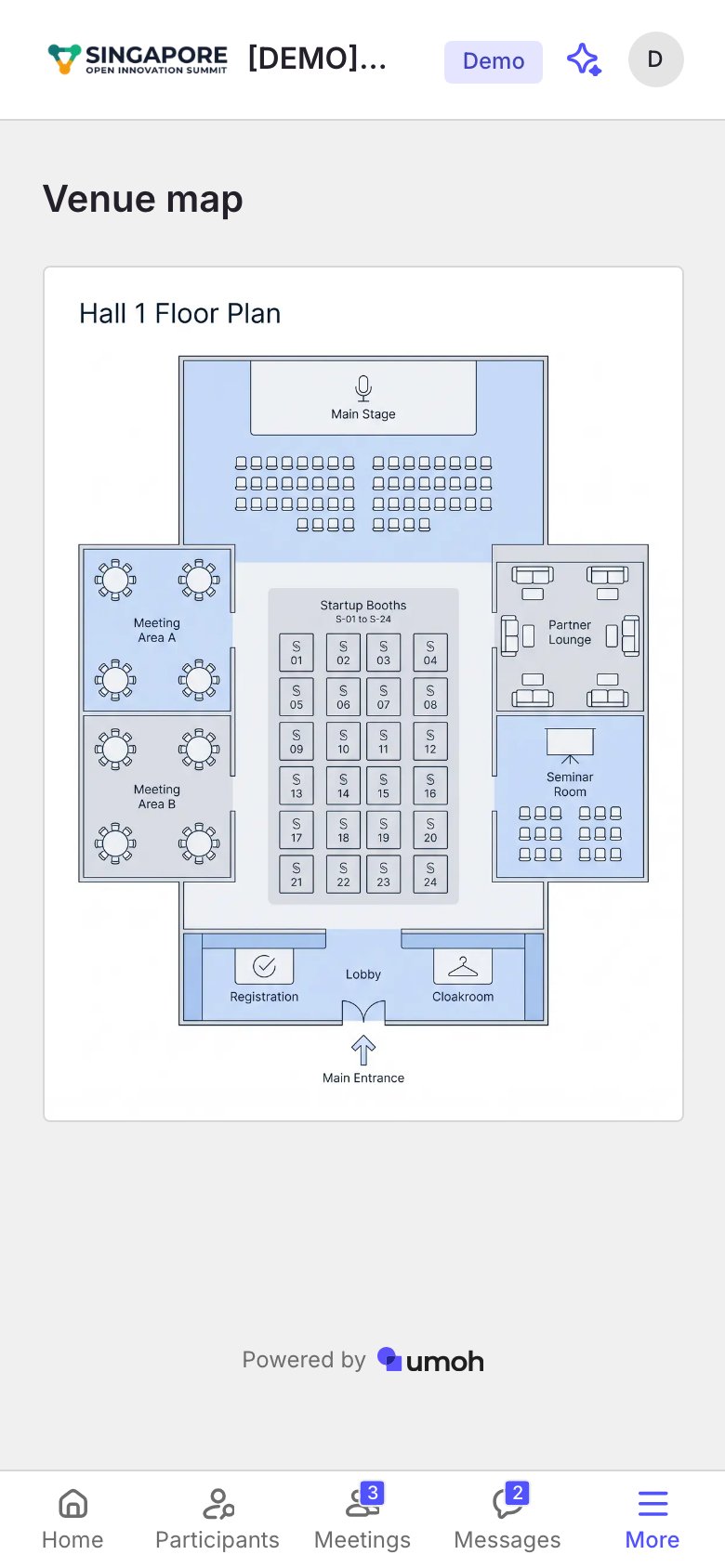
The venue map page, with the host's map image below the page name

An event info page

Troubleshooting

The host deleted the page, or the address is wrong. Select Go home to return to the event home.