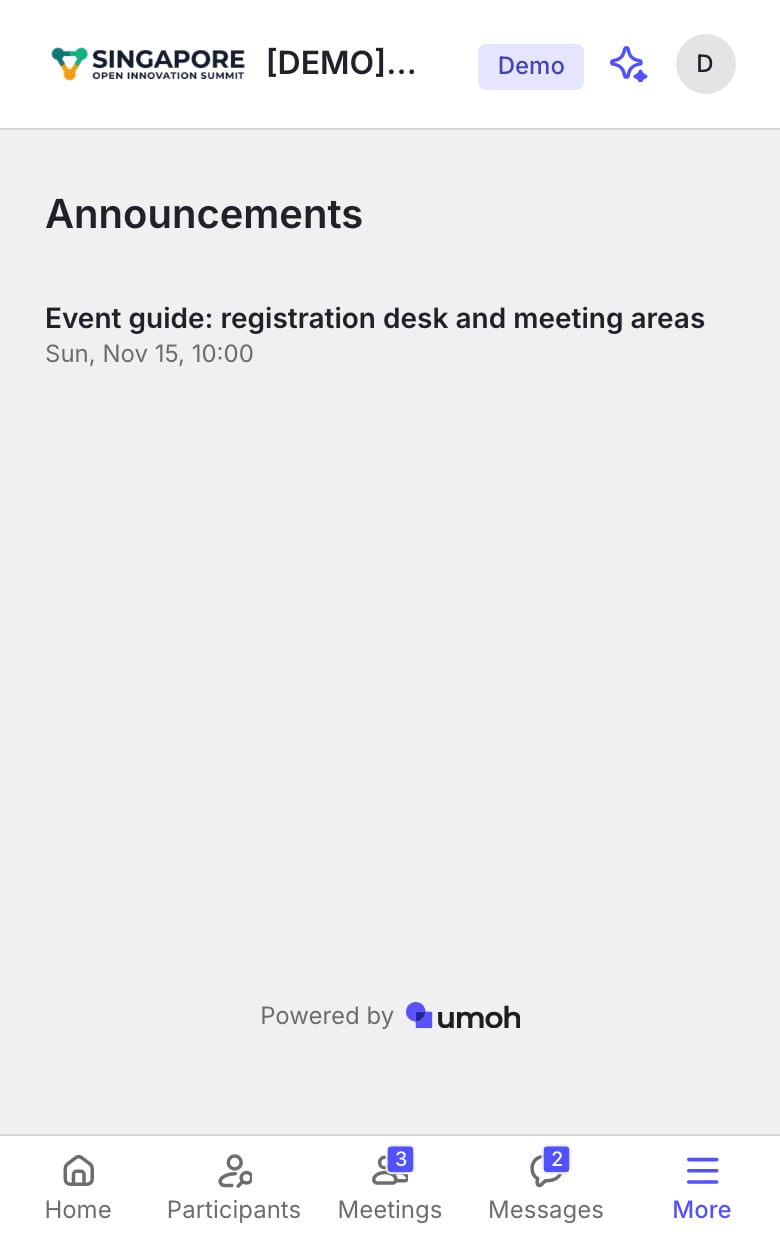
Announcements your host emails to you also appear on the event page. That includes any that arrived while announcement emails were turned off, and announcements sent to all participants before you joined.
The Announcements screen, with each announcement's subject and sent time

Announcements on a phone

Where announcements appear

The menu and the home section appear once there is an announcement you can see.
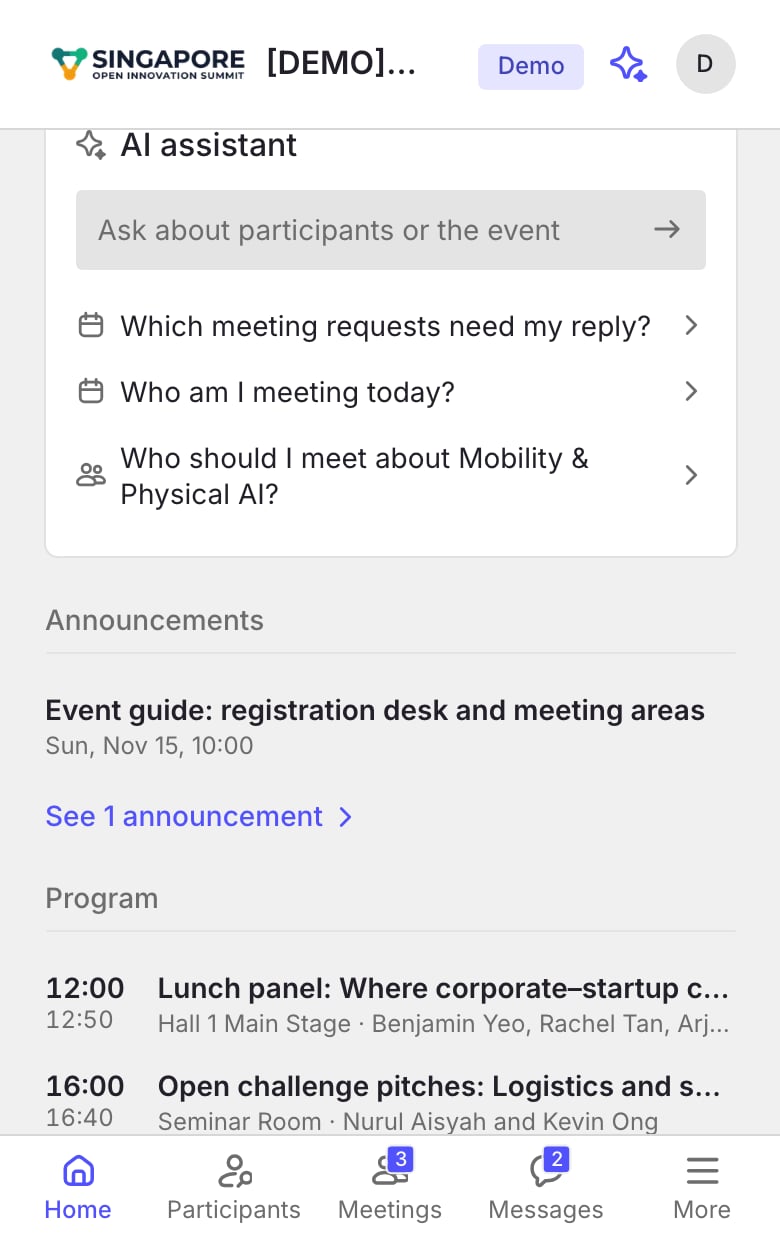
The Announcements section on the event home, with a link to the full list below the latest announcement

Announcements on the event home

Reading an announcement

Select an announcement in the list to read the whole message, then select Announcements above it to return to the list. Sent times are in the event time zone, and when the host leaves the subject blank, the start of the message stands in for it.
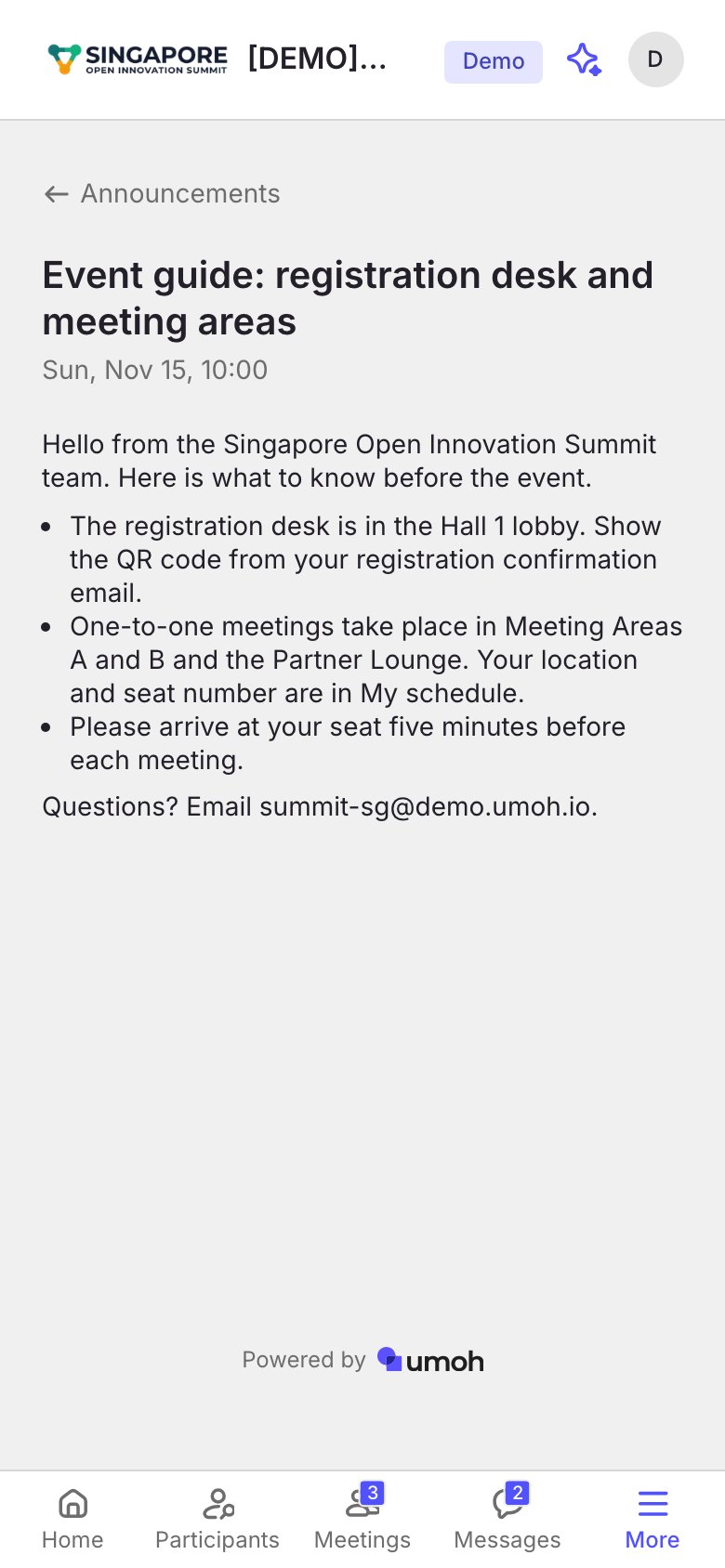
An open announcement, with the subject, sent time, and message below the Announcements link

An open announcement